 Cash Empire Clicker · FAQ
Do idle games drain your iPhone battery?
An idle game drains the battery mainly while its screen is on, like any animated game; once you lock the phone, games with offline earnings still credit you for the time away. So the biggest saving is the simplest one: stop leaving the game open to "earn".
This page collects the battery questions idle players actually ask, with Apple's own support pages linked where Apple has said something. We make Cash Empire Clicker, so its settings are our example. The advice works for most clickers.
Battery settings inside Cash Empire
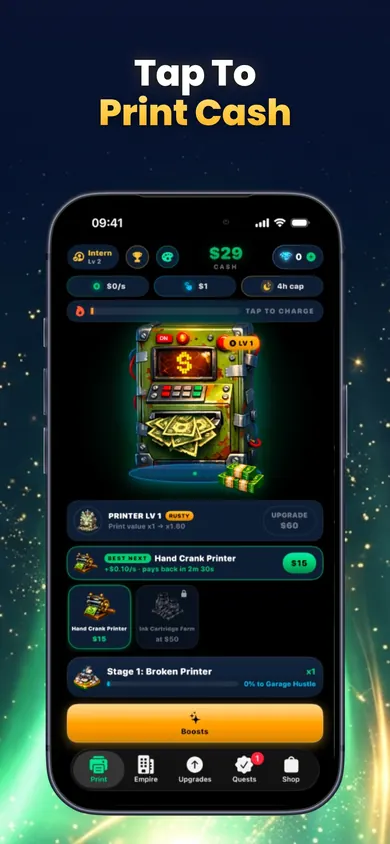
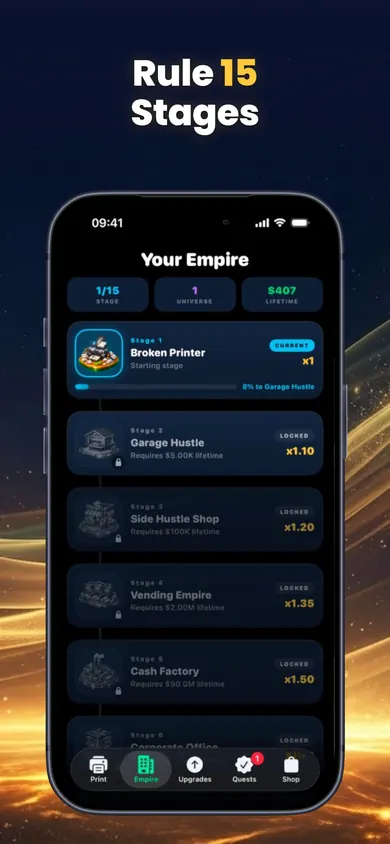
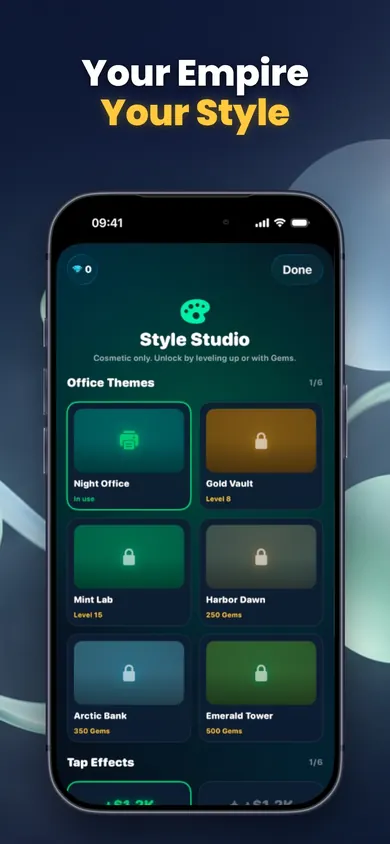
The listing names two switches that matter here: Battery Saver Effects and Reduce Motion support. Both cut the visual fireworks, like raining bills during a Print Frenzy, that keep the graphics chip busy.
The 2-minute battery check
- Look before you blame. Settings, Battery, View All Battery Usage. Apple shows usage over the past days, per Apple's battery usage page.
- Find the habit. High use with the screen on means long sessions. That's play time, not a fault.
- Trim the effects. Turn on Battery Saver Effects and Reduce Motion in the game, and drop brightness a notch.
- Use Low Power Mode on long days. It dims the display and reduces some visual effects. It switches off by itself at 80% charge.
- Lock, don't leave. Offline earnings mean an idle empire grows without the screen.
Quotable version: the screen is the battery cost; the idle part is free.
A lunch-break example
Say you prop the phone against your coffee at lunch with Cash Empire running, because watching the cash counter climb feels like progress. An hour later the phone is warm and the battery bar is visibly lower. Next day you try it the other way: three minutes of tapping, buy the Best next upgrade, check the payback time, lock the phone. At the end of lunch the return summary shows what the empire printed while you ate. Same progress, dark screen, cool phone.
The design decision we made: the home-screen widget shows what your empire printed while you were away, so you can check on it without opening the game at all.
Honest limits
- We have not published battery measurements, so you won't find a "uses X% per hour" claim here. Your phone's Battery screen is the real answer.
- The App Store listing shows Contains Advertising. It also lists 10 optional in-app purchases, from Pocket Gems at $0.99 to Billionaire Gems at $19.99, including Founder Lifetime at $14.99. Everything in the game can be earned by playing free.
- It's an 82.7 MB download and needs iOS 18 or later.
- Who should pick something else: if you want a game that never asks you to look at it, a pure idle game with no tapping and fewer effects may be gentler on battery than any clicker, ours included.
Idle game battery questions, answered
Do idle games run in the background and drain battery?
Check rather than guess: Settings, then Battery, then View All Battery Usage shows which apps used power, per Apple's battery usage page. Games with offline earnings, Cash Empire Clicker included, credit you for time away, so you never need to keep them open.
Should I leave an idle game open overnight to earn more?
Not in a game with offline earnings. Leaving the screen on spends battery on animation you are not watching. Lock the phone and read the return summary in the morning.
Why does my iPhone get hot playing a simple clicker?
Apple lists graphics-intensive games among the things that warm an iPhone, and wireless charging adds heat too. Particle effects, floating numbers and fast tapping all keep the processor busy. See Apple's too-hot guidance.
Is it bad to play while charging?
Apple says that when an iPhone gets too warm, charging slows or stops. If the phone feels hot, stop playing, take it out of a thick case, and let it charge in peace.
Does Low Power Mode make idle games worse?
It dims the screen, reduces some visual effects, turns off Background App Refresh and sets Auto-Lock to 30 seconds, per Apple's Low Power Mode page. The game still plays; the screen just locks sooner if you stop tapping.
What temperature is safe for playing?
Apple designs iPhone for ambient temperatures between 32 and 95 degrees F (0 to 35 C). A hot car dashboard in summer is outside that range.
Does Cash Empire Clicker have a battery saver?
Yes. The listing mentions Battery Saver Effects and Reduce Motion support, which tone down the visual effects.
Does Cash Empire Clicker have ads?
The App Store listing carries the Contains Advertising label. The game's description says there are no forced ads, no launch paywall and no account needed to play.
Screen-on play vs time away
| Screen on, tapping | Phone locked | |
|---|---|---|
| Screen | On, at your brightness | Off |
| Effects | Particles, combos, Frenzy | None |
| Progress | Taps, purchases, research | Offline earnings, shown on return |
| Heat | Can rise in long sessions | Phone cools down |
Build the empire, keep the battery
Short sessions, Battery Saver Effects on, phone locked in between.

Download free on the App Store
Updated November 2026
Related
- Cash Empire Clicker: the idle money clicker that prints offlineTap a broken money printer, hire managers, research upgrades and prestige. Cash Empire keeps printing offline. Free, no forced ads, fictional money.
- Games like Cookie Clicker for iPhoneNo official Cookie Clicker app on iPhone? See what carries over to an idle game built for touch, checked against App Store listings in Nov 2026.
- Idle game upgrade payback calculatorType in up to three upgrades and your income per second. See which pays back first, plus a 7-day plan for your first week in an idle clicker.
- Which idle game should I play? (60-second quiz)Five quick questions match you to an idle game style: tycoon, classic clicker, business, deep incremental or tower defense. Honest picks, ours included.